EZ‑Link Wallet with Mastercard allows you to make contactless payments at over 80 million merchants – both in-store and online.

Advisory on guidelines to protect e-Payment users
Activate and make a top-up to your EZ‑Link Wallet to start making cashless payments with the SimplyGo app. Plus, earn one EZ‑Link reward point for every $0.10 spent on your EZ‑Link Wallet!
EZ‑Link Wallet with Mastercard allows you to make contactless payments at over 80 million merchants – both in-store and online.
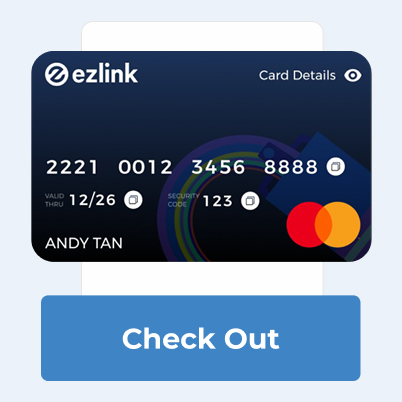
From shopping to groceries, everything is just a click away! Input the Mastercard details displayed onto the checkout page.
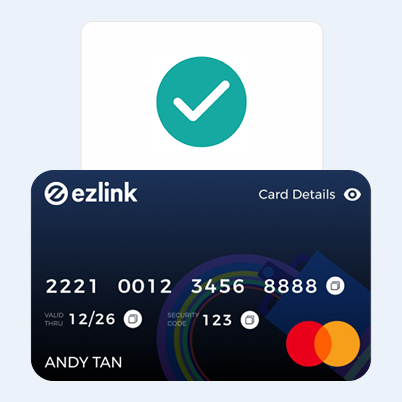
Get started by adding your EZ‑Link Wallet with Mastercard to Google Pay as a payment method.
*Tap to Pay function is only applicable for Android devices via Google Pay.


How will my card usage be affected?
The Monetary Authority of Singapore ("MAS") issued the e-Payments User Protection Guidelines ("Guidelines") with the objective of standardising protection offered by responsible financial institutions to individuals from losses arising from unauthorised transactions or erroneous transactions on their protected accounts.
Please refer to the advisory below issued by SimplyGo to account holders of the EZ‑Link Wallet with Mastercard about:
Please note that this advisory is only a summary of the Guidelines, and you should visit the MAS website to access the complete and updated version of the Guidelines.
Pay conveniently with EZ‑Link Wallet (Scan to Pay). Just scan the SGQR and you're done — no fumbling with different wallets.

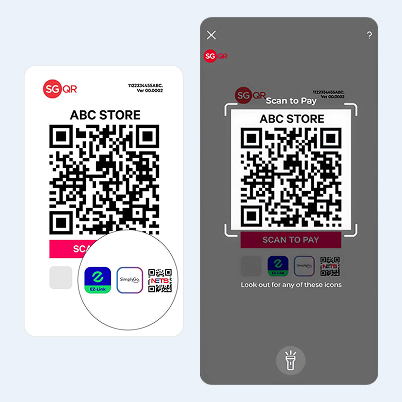
Look out for the EZ‑Link or SimplyGo or NETS icons on SGQR Decals at selected merchants, hawker centers, coffee shops, and JTC Industrial canteens. From your morning kopi to your neighborhood minimart and your favourite hawker stalls, paying is now quicker and smoother than ever.
Learn how to use EZ‑Link Wallet with SGQR here.
Your EZ‑Link Wallet transaction history will remain accessible even when the Safety Switch is activated.

The Safety Switch feature has been added to the SimplyGo app to help safeguard the funds in your EZ‑Link Wallet.
You can activate the Safety Switch if any unauthorised transactions are detected in your EZ‑Link Wallet. Once activated, access to your EZ‑Link Wallet with Mastercard and SGQR will be restricted.
Follow the step-by-step guide to activate the Safety Switch, then inform us via the eFeedback form about the unauthorised transactions.

Learn more about CIMB PayEasy!
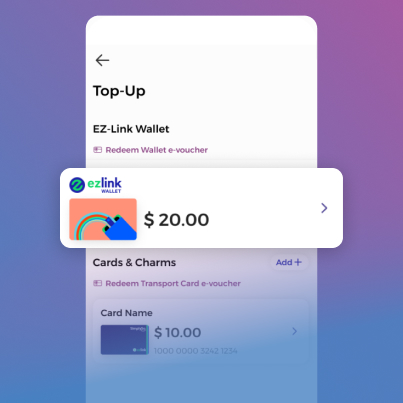
Step 1
Tap “Top Up” icon & select “EZ‑Link Wallet”
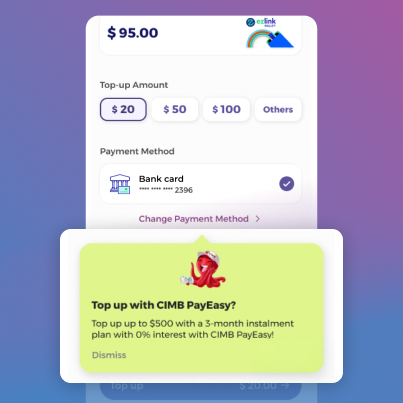
Step 2
Switch payment method to CIMB PayEasy
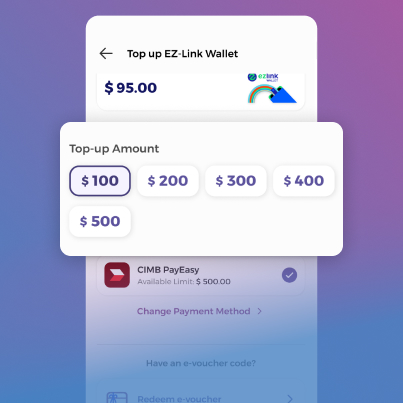
Step 3
Select your desired top-up amount. Min. amount $100
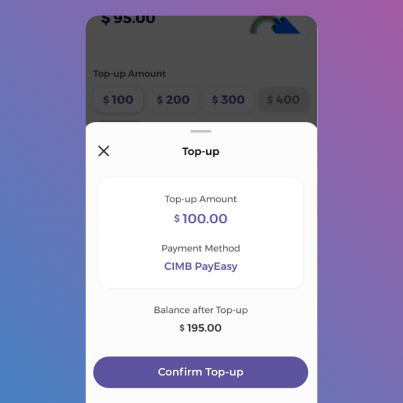
Step 4
Tap on “Confirm Top-up”
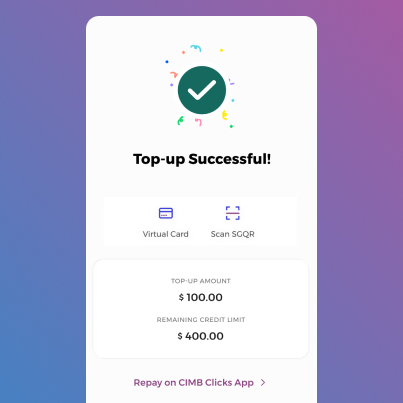
Step 5
All done! Funds successfully loaded